Depth from real material thickness.
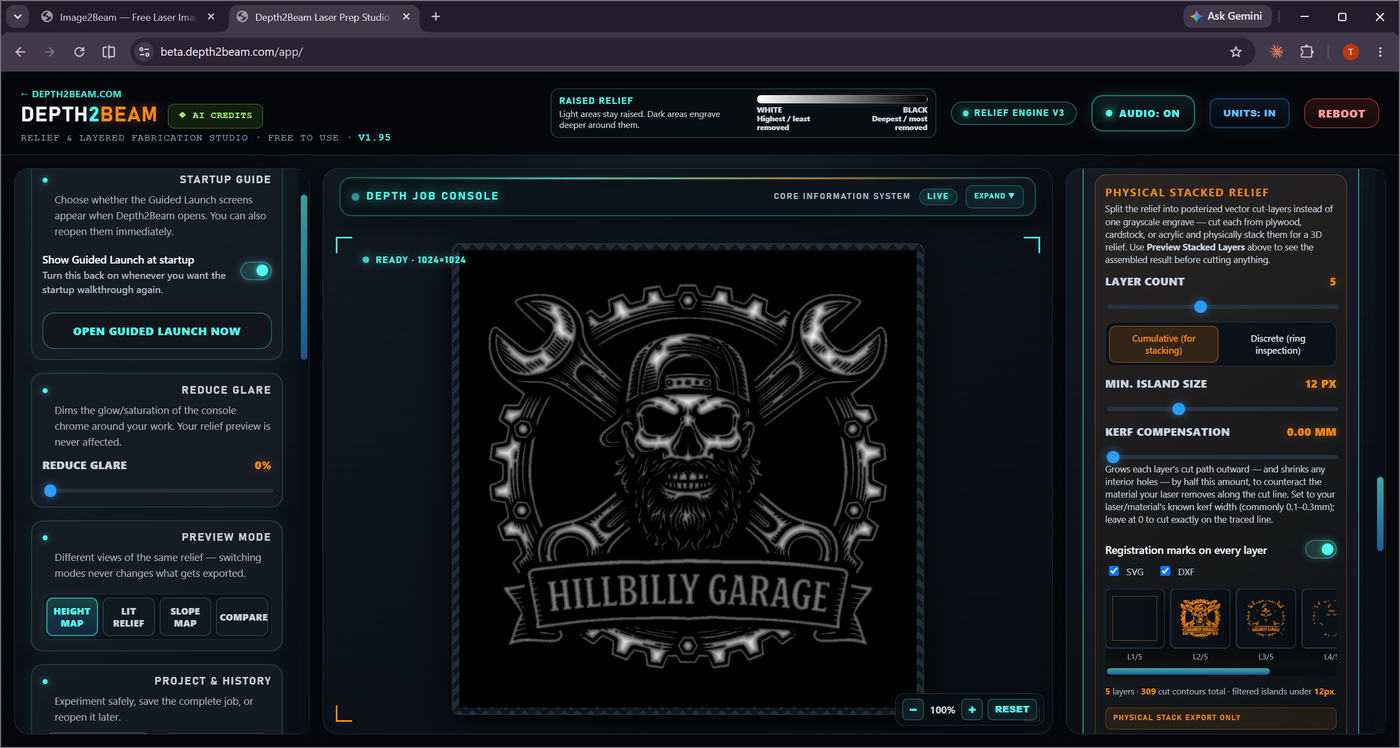
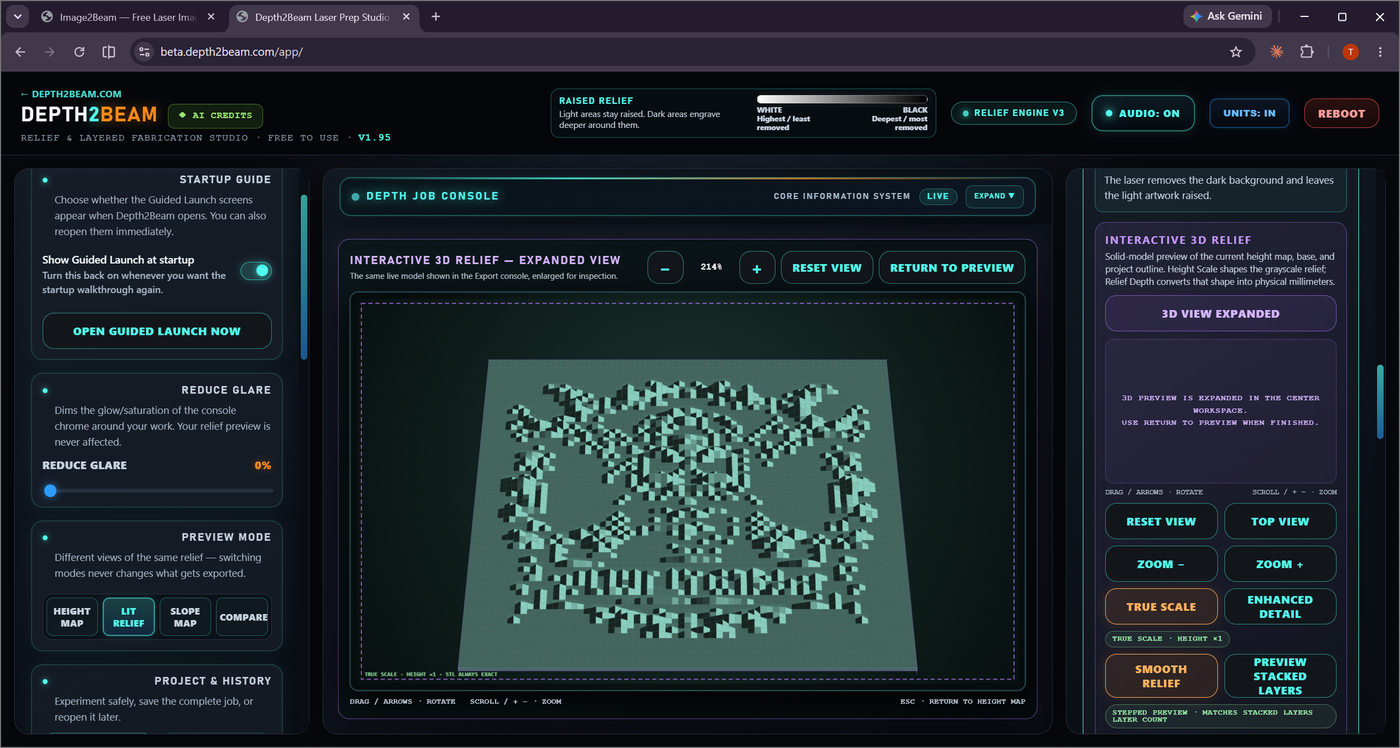
Instead of one grayscale engrave, split the relief into posterized vector cut-layers — cut each one separately from plywood, cardstock, or acrylic and physically stack them. The depth comes from the layers themselves, not from a laser burning into a single piece.
3 to 8 bands
Choose how many discrete depth bands the relief is posterized into — more layers means finer depth resolution and more pieces to cut and stack.
Cumulative or Discrete
Cumulative layers are sized for actual stacking. Discrete mode isolates each individual ring for inspection before you commit to cutting.
Minimum island size
Filters out cut fragments too small to physically handle, so you're not left trying to place a sliver of material by hand.
Kerf compensation
Grows each layer's cut path outward (and shrinks interior holes) by half your laser's kerf width, so the material your beam actually removes doesn't leave layers undersized. Set it to your laser and material's known kerf — commonly 0.1–0.3mm — or leave it at 0 to cut exactly on the traced line.
Registration marks and format choice
Every layer can include registration marks so alignment is unambiguous when you're gluing or pinning the stack together by hand. Export as SVG, DXF, or both — whichever your cutting software prefers — bundled together as a single zip, with live thumbnail previews of every layer before you export.
Export Stacked Layers (.zip)
Want the full step-by-step? See the complete Stacked Layers workflow, from loading a source to cutting the final layer.