Laser type
CO₂ · Diode · Fiber
Rather than cutting and stacking separate pieces, the Layered Relief workflow builds one LightBurn project where every depth band is its own non-overlapping image layer — engraved directly into a single piece of material, each layer at its own power, speed, and pass count.
Pick your laser type — CO₂, diode, or fiber — your wattage, and a material, then apply the Auto Layer Profile. It generates conservative starting power, speed, and pass values for every depth band, scaled by laser, wattage, material, and depth. These are starting values, not guaranteed production settings — review every layer in LightBurn and run a material test before committing to a real piece.
The depth layer count here is independent from the Stacked Layers workflow — you can run a 5-band engrave and a totally different 8-band physical stack from the same relief.
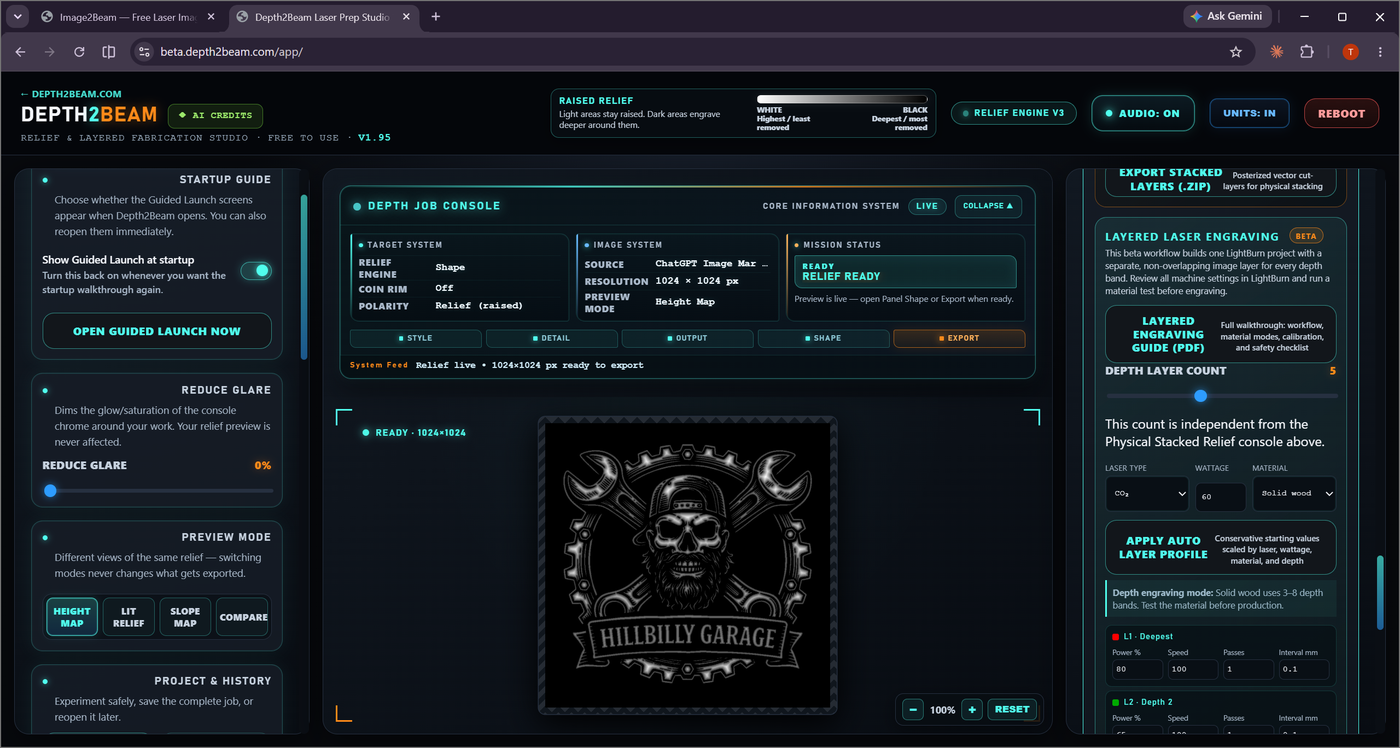
Discrete depth bands with independent power, speed, passes, and interval — ready to open directly in LightBurn.
Editable filled vector groups, one color per discrete depth band — for bringing the layer structure into other software.
A downloadable Layered Engraving Guide (PDF) walks through the full workflow: material modes, calibration, and a safety checklist — worth reading before your first real job.
See the complete Layered Relief workflow, from loading a source to your first test piece.