ILLUSION2BEAM
Flat wood.
Deep illusion.
Describe a scene and watch the subject push toward the viewer. Perspective, light and cast shadows create the depth; an engraving-ready grayscale file, auto-tuned for depth and contrast, and a matching cut line carry that illusion to your laser.
Looking for depth maps and reliefs? Explore Depth2Beam → · Need to prepare a photo or artwork? Explore Image2Beam →
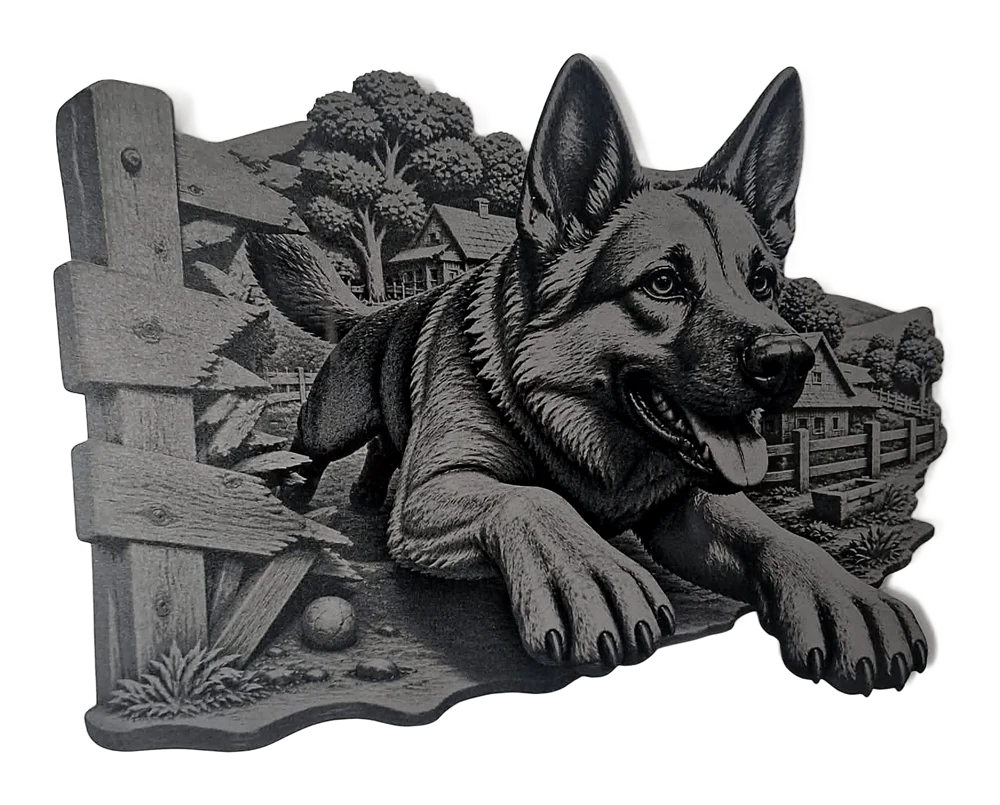
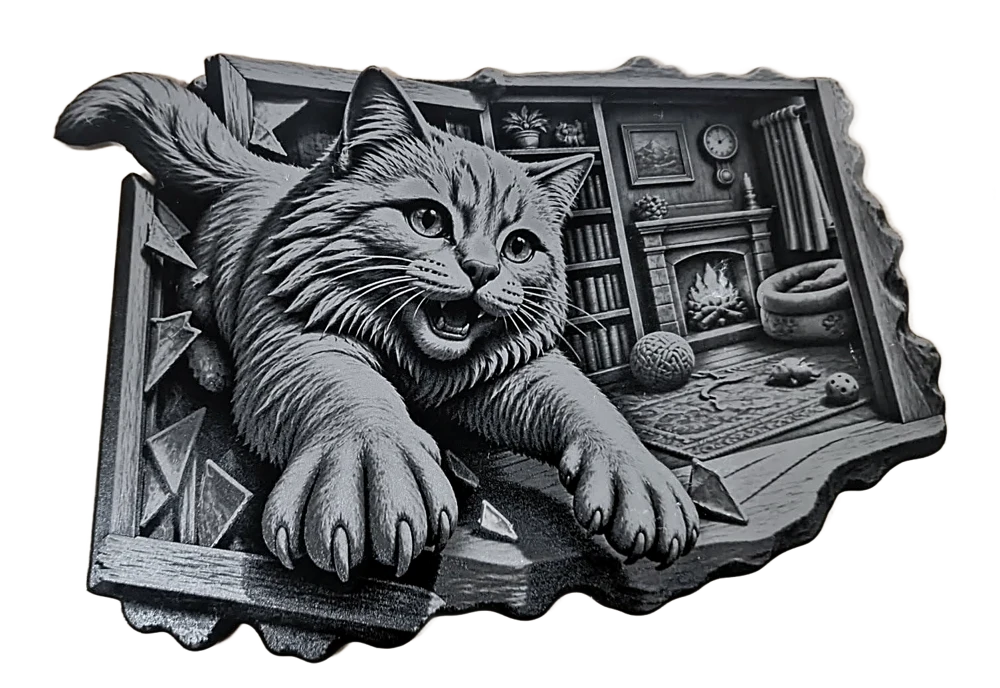
Same illusion. Two ways to see it.
Watch three looks shift from dimensional artwork to the grayscale file your laser reads. Full color, warm wood and light wood are preview options; the finished engravings appear below.
Build a scene that breaks the surface.
Start with a scene. Shape the pop-out effect. Send a grayscale illusion to the laser.
Describe the scene
Type what should appear to emerge from the wood, or start with a suggested idea.
Choose the breakout
Compare four free concepts. Pick breakout, framed, open scene or diorama, with an optional extreme pop-out angle.
Shape the depth
Preview the carved look, then tune shadow depth, the main subject and background fade.
Engrave and cut
Download the auto-tuned grayscale PNG or BMP, then dial in power for your own laser and wood with a quick test. The cut-out ZIP includes a matching SVG outline.
Your pet, carved in 3D.
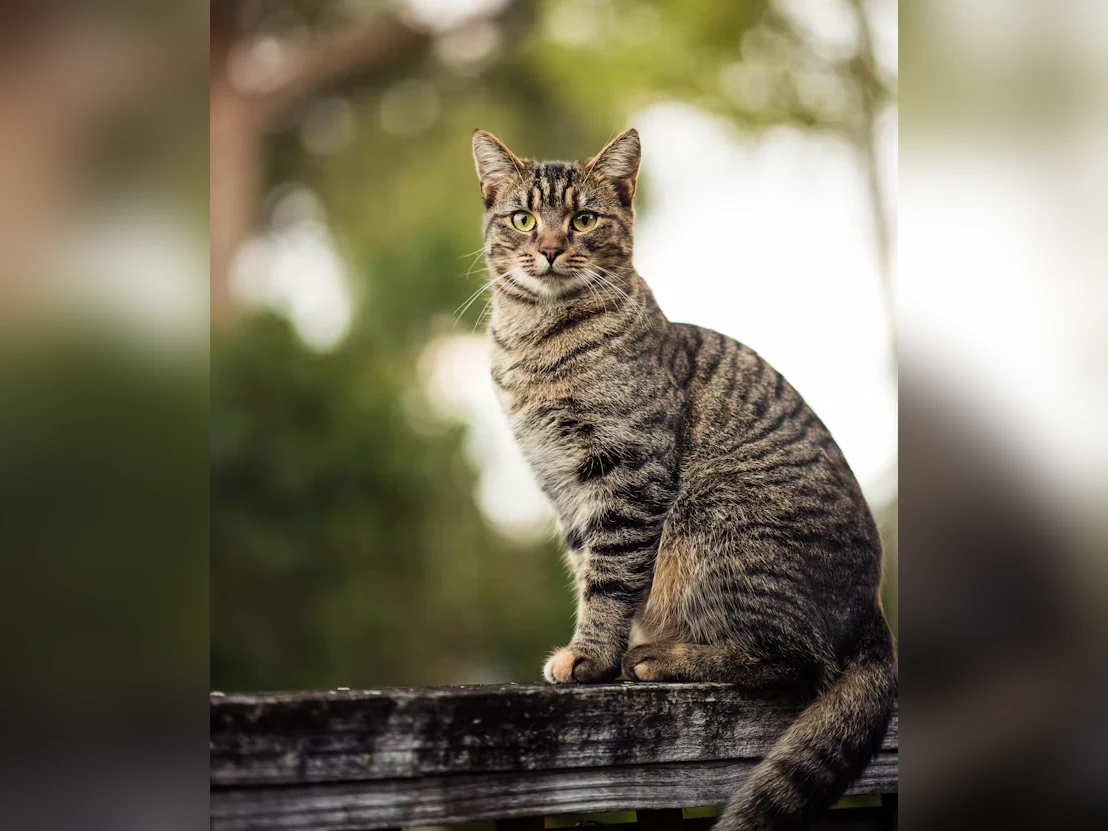
Add a photo of your pet, describe the scene, and Illusion2Beam carves it into a 3D illusion and makes the laser-ready grayscale file. Select any image to inspect the detail.

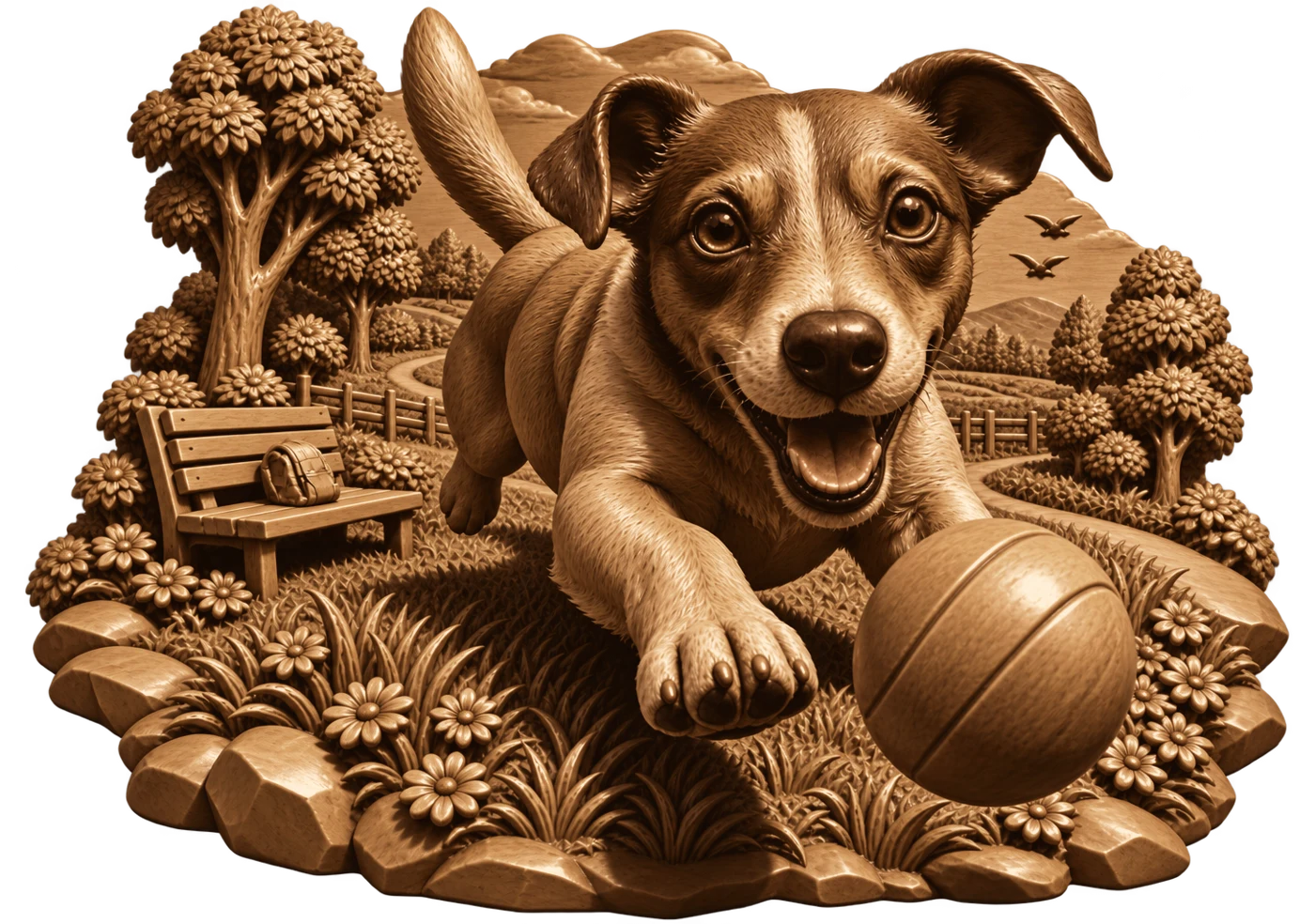
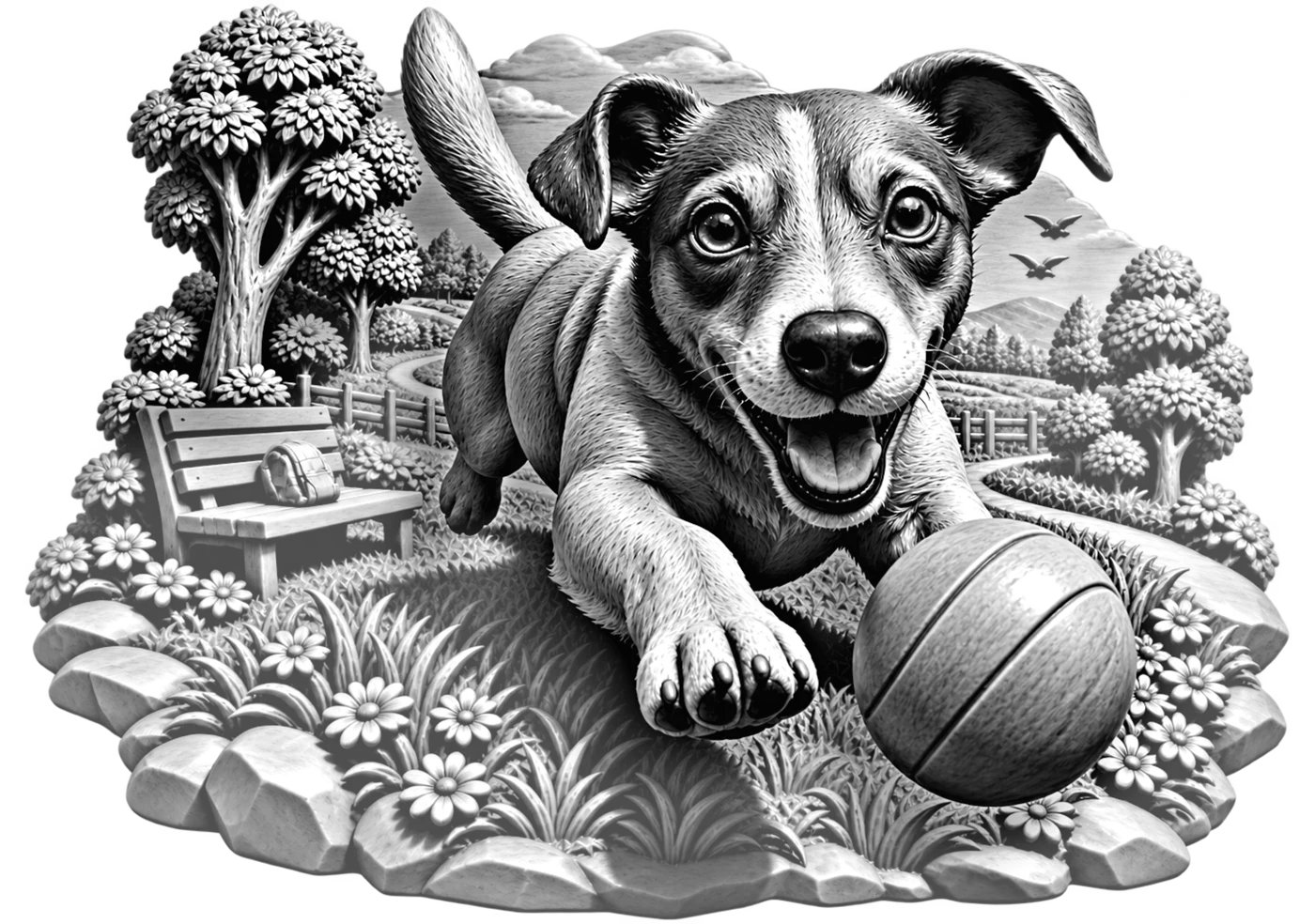
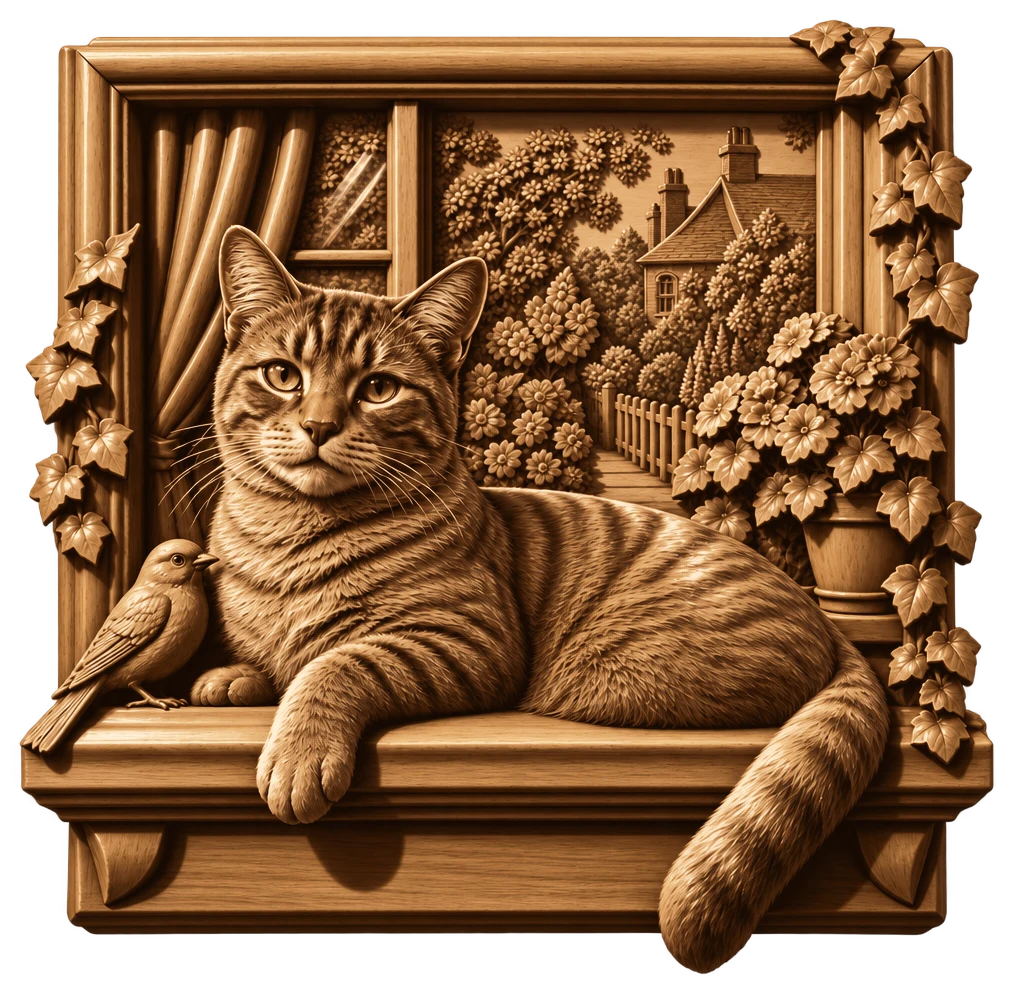
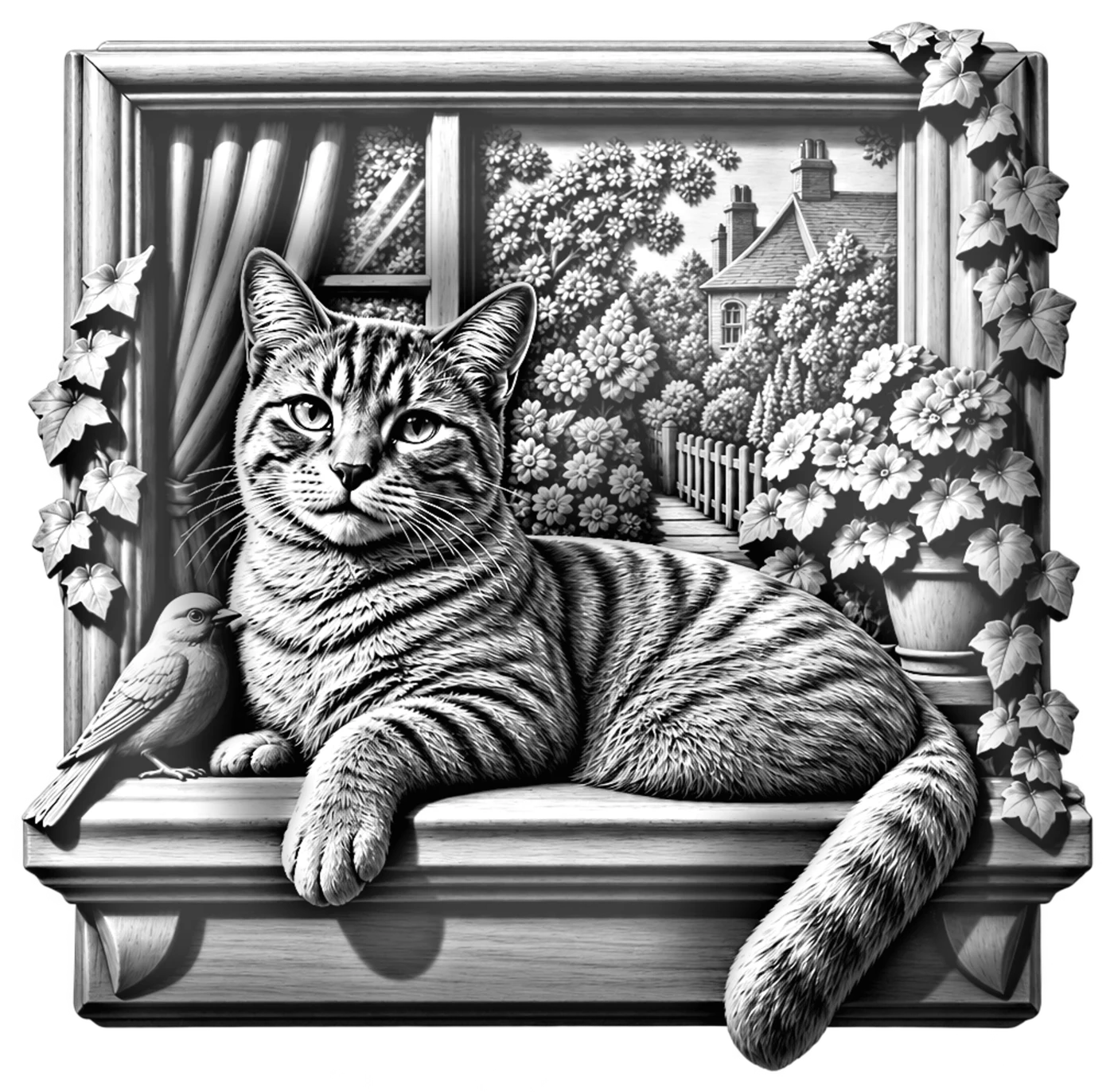
Control what looks near, far and carved.
The effect depends on the relationship between the subject, its shadow and the scene behind it. These tools let you tune that relationship before you burn the wood.
Shadow creates the lift
Auto-tune balances highlights, dark recesses and cast shadow so the main subject reads in front of the scene.
Push the subject forward
Adjust subject emphasis and background fade to strengthen the pop-out effect while keeping the scene behind it.
Follow the silhouette
The matching SVG cut line traces the outside so the engraving can become one connected cutout.
Turn toward the viewer
Use extreme pop-out for a claw, muzzle or nozzle aimed straight out of the composition.
Keep the depth sharp
Preview files are best below 7 inches. Choose optional HD for extra detail, especially at 7–10 inches.
One balance, two studios
Your credits work in both Illusion2Beam and Depth2Beam.
The depth is an illusion. The engravings are real.
Finished pieces engraved by Illusion2Beam users, straight from their own photos.
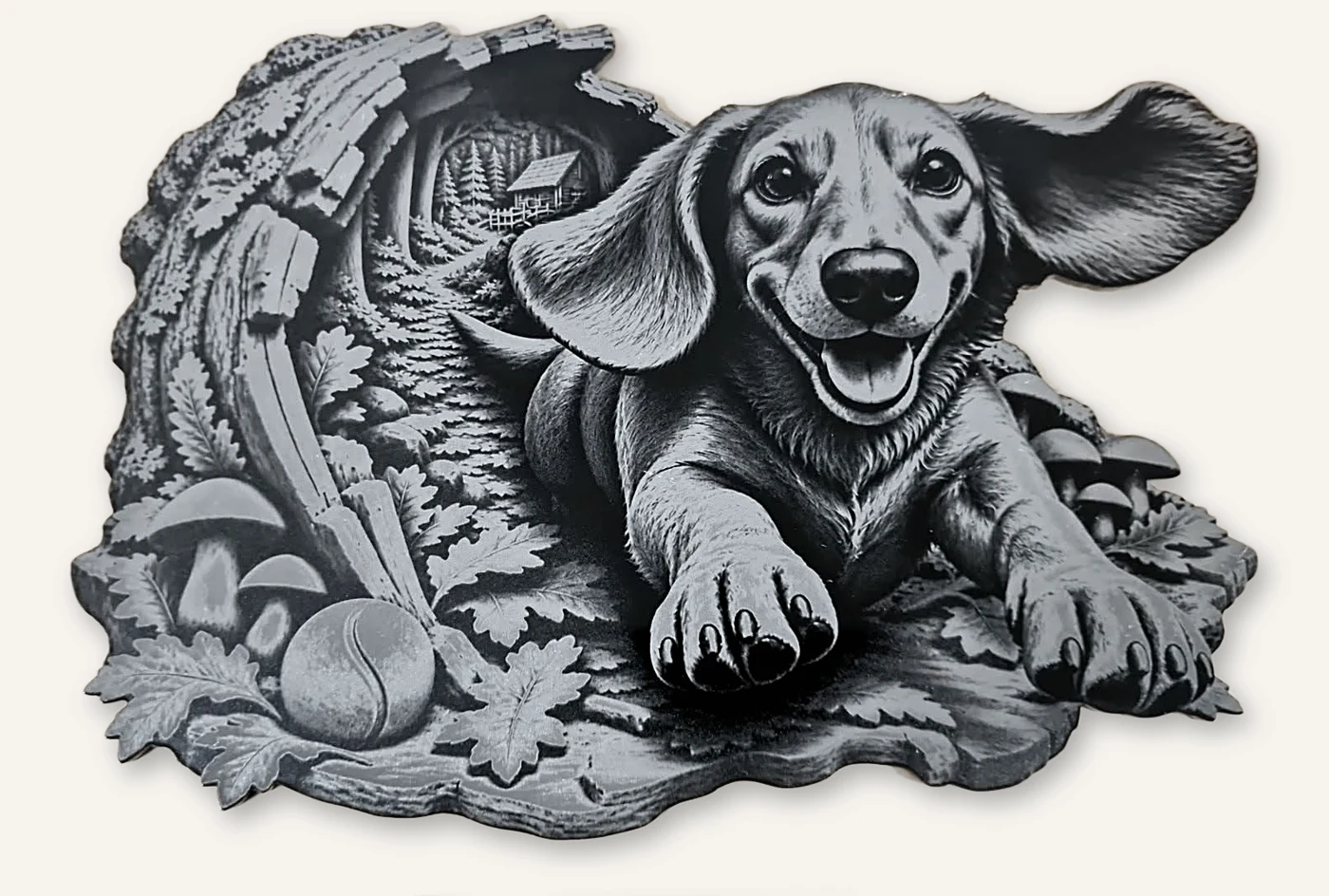
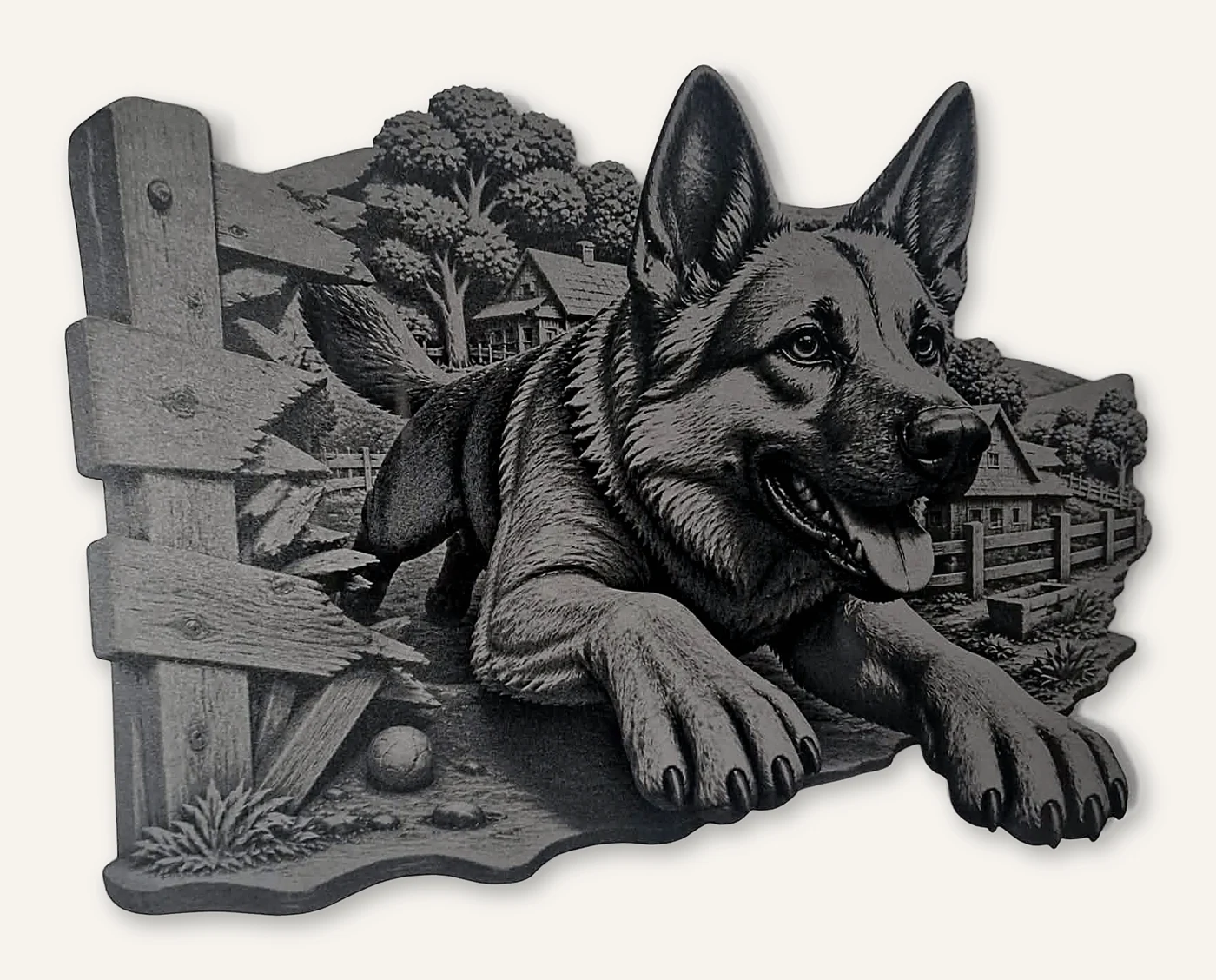
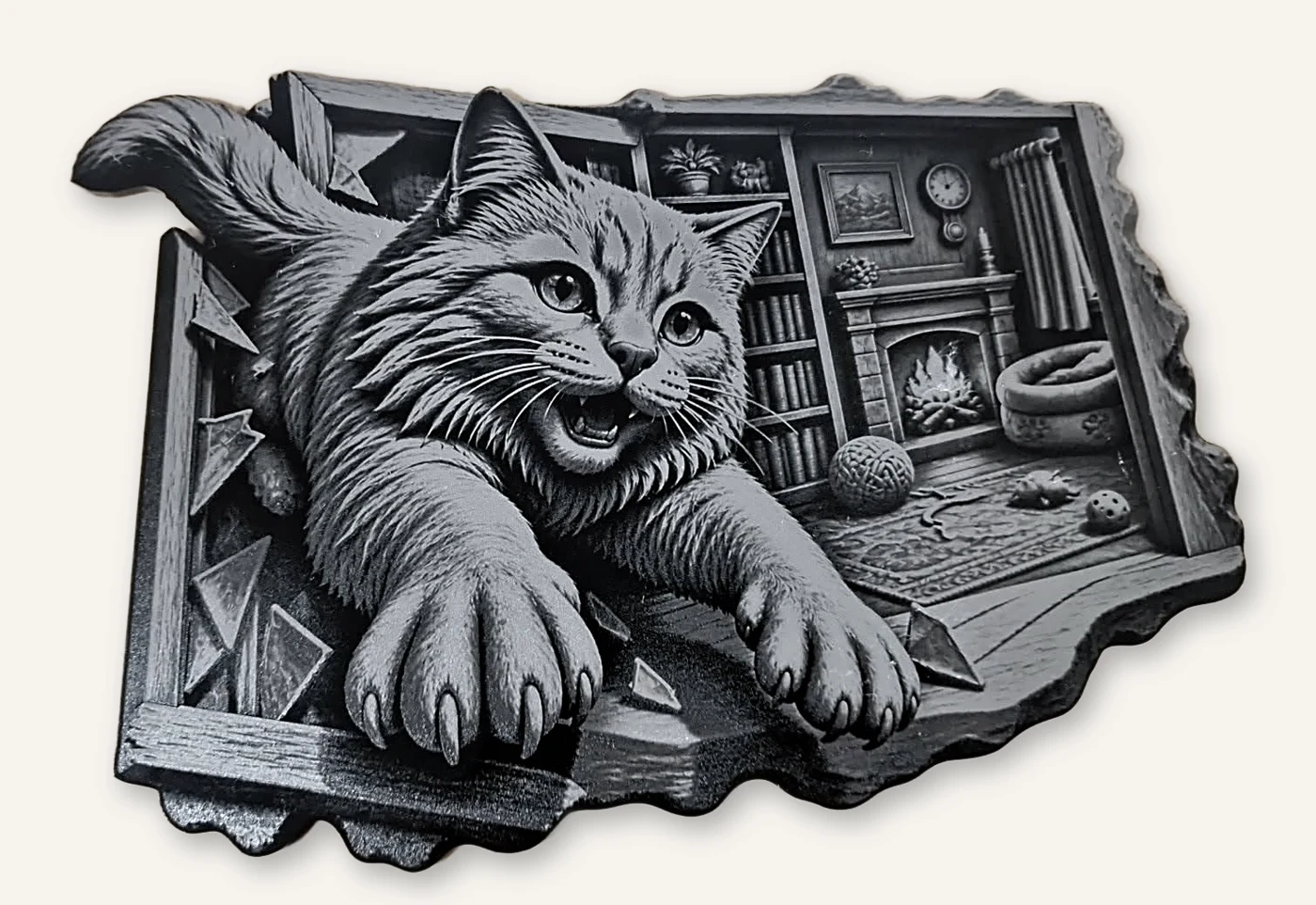
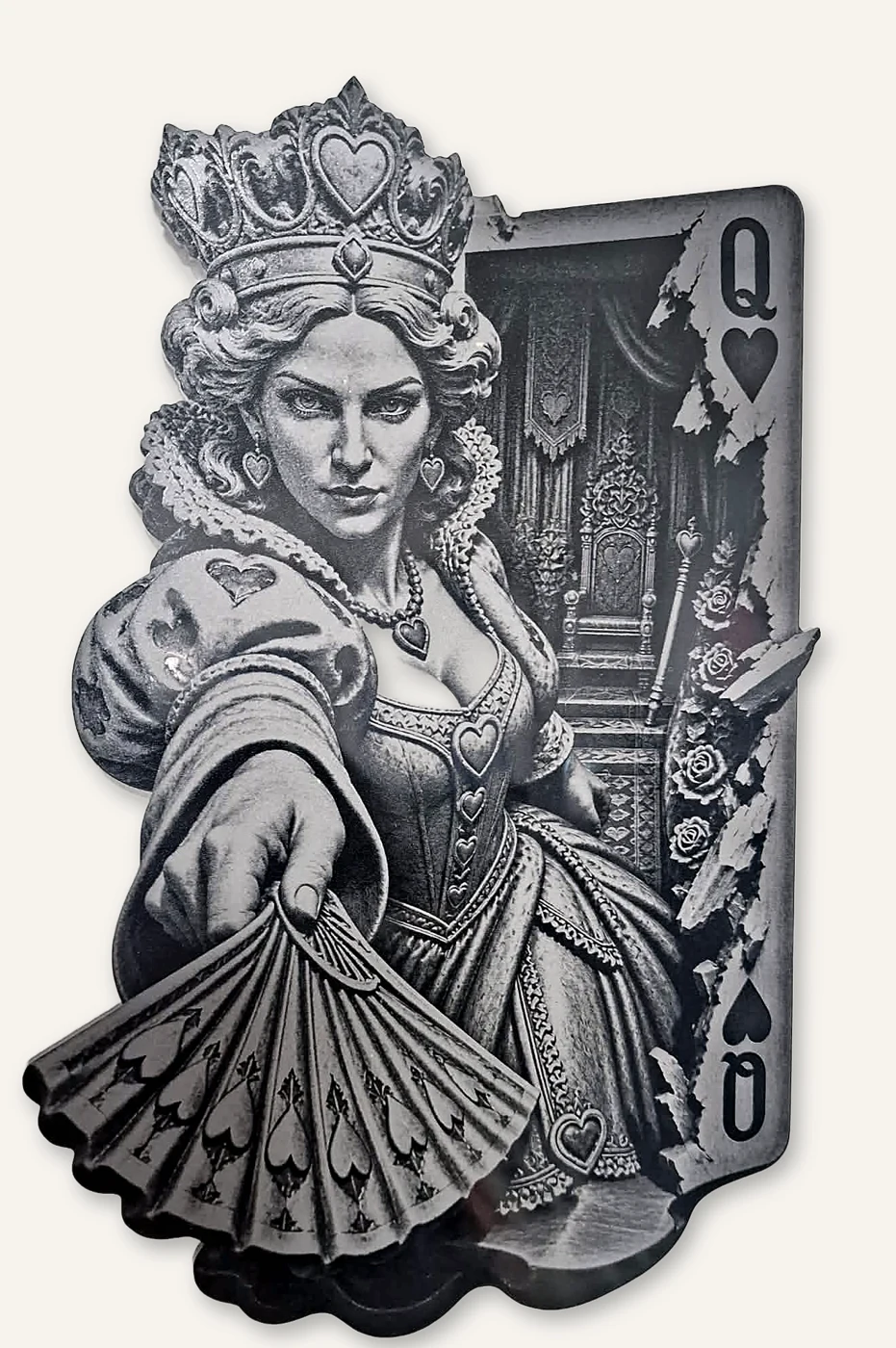
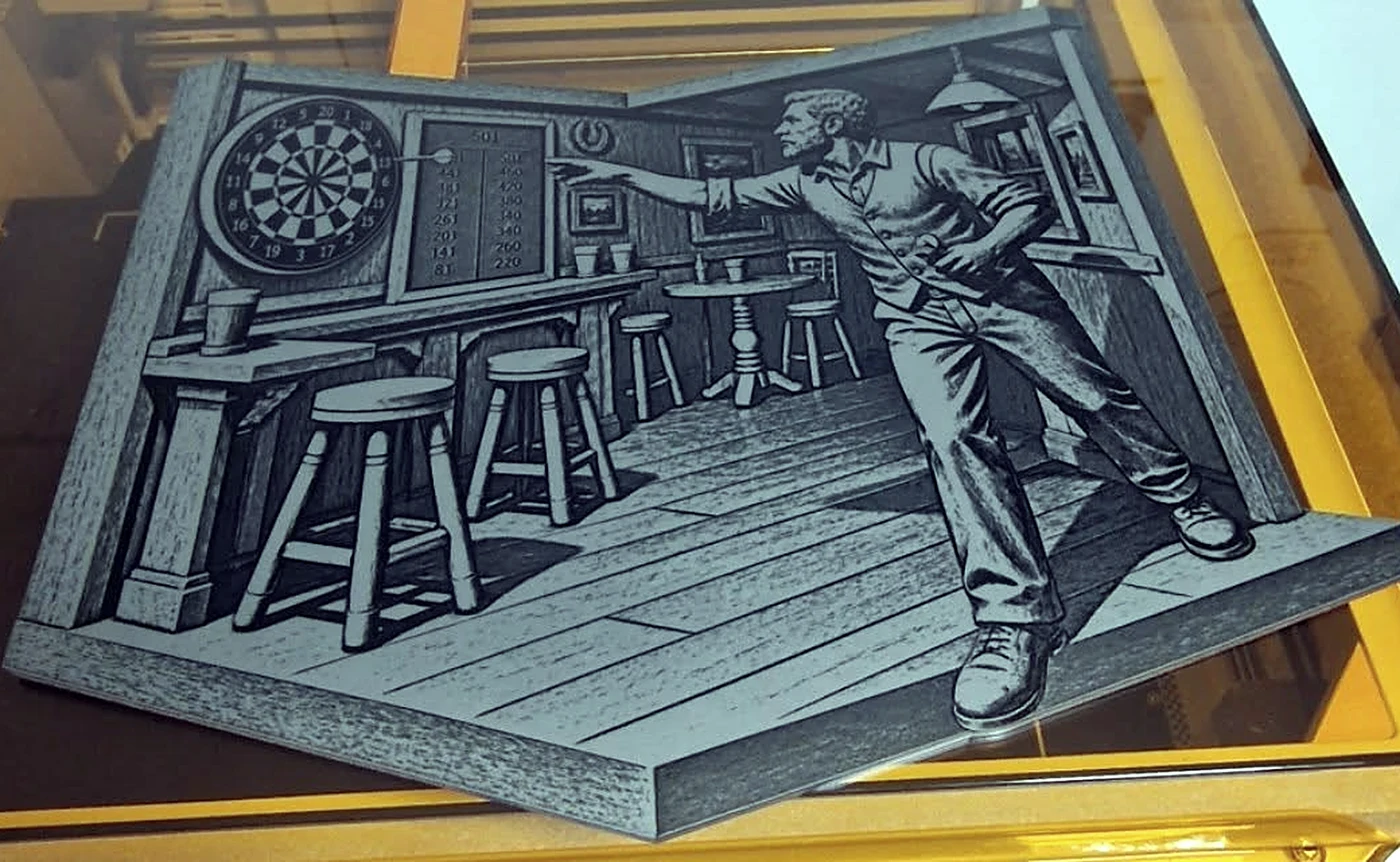
5 designs. Yours to engrave today.
Every design comes with the laser grayscale PNG, a matching SVG cut line and the Starter Guide with tested settings.
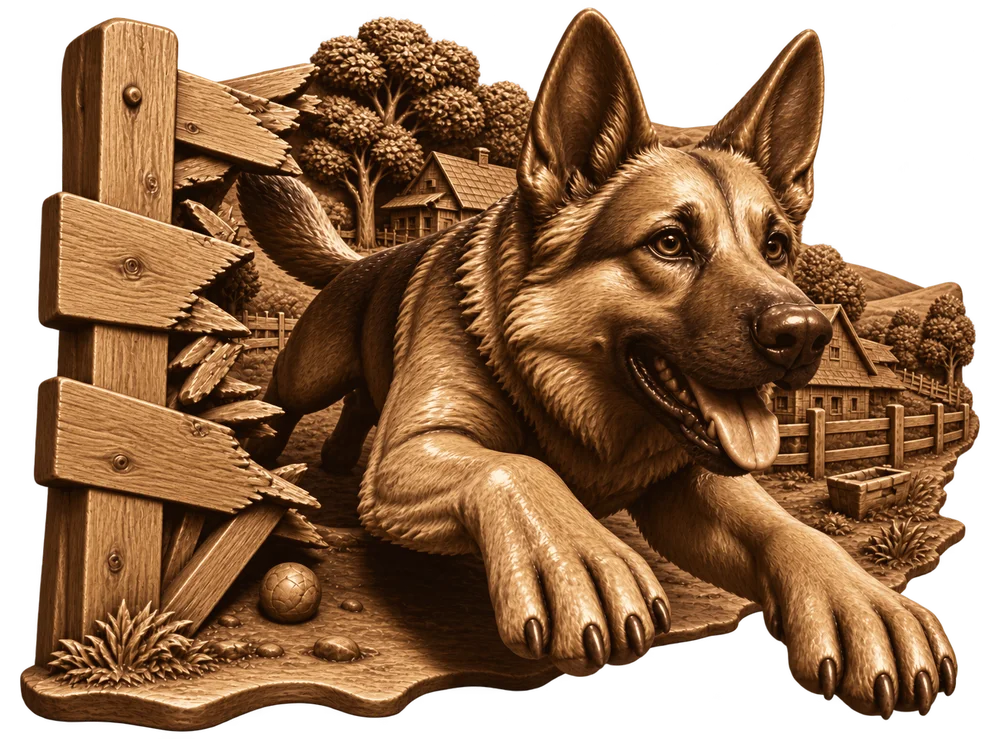 Artwork
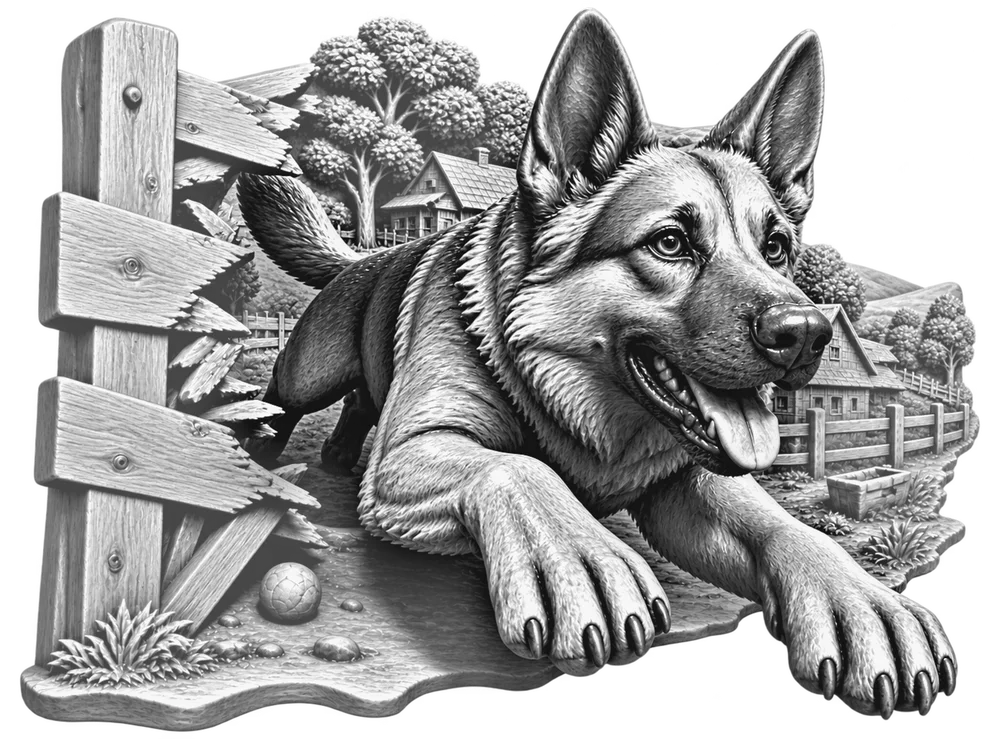 Laser file
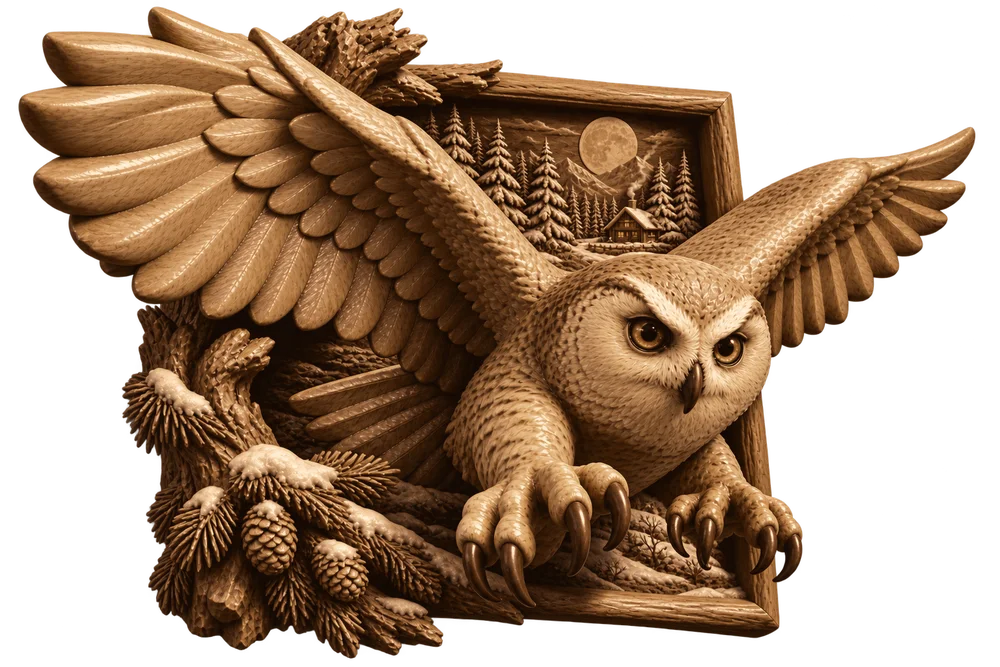 Artwork
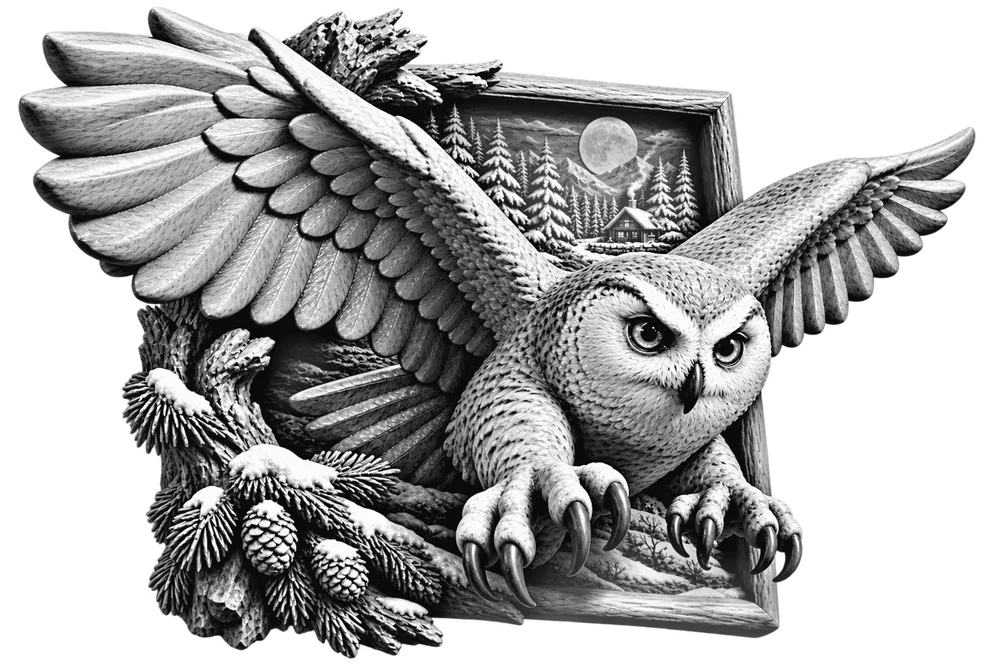 Laser file
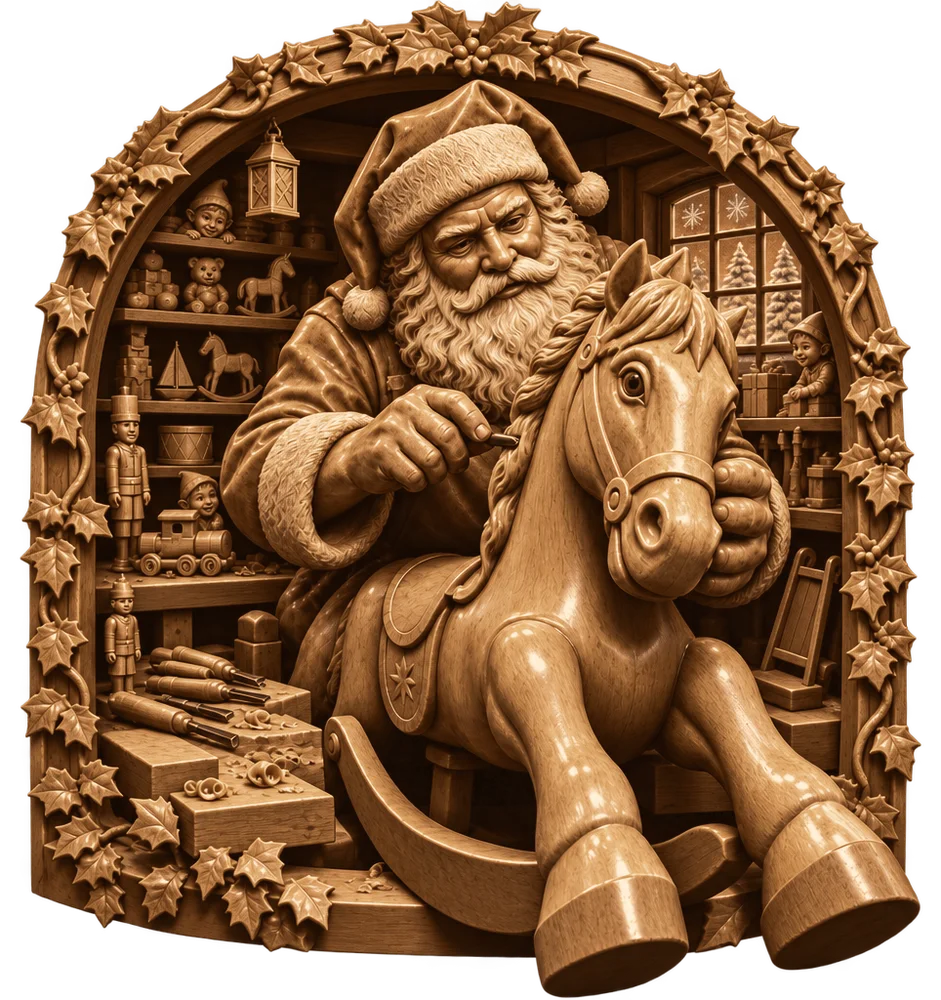 Artwork
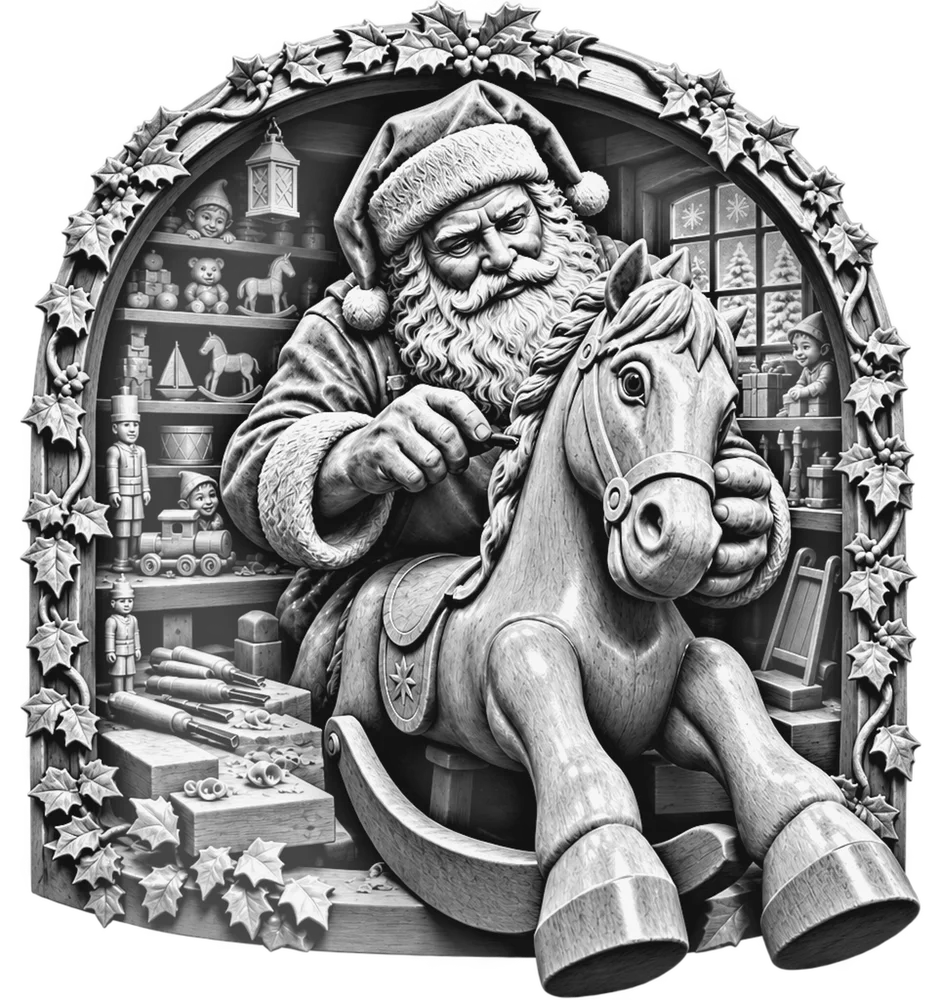 Laser file
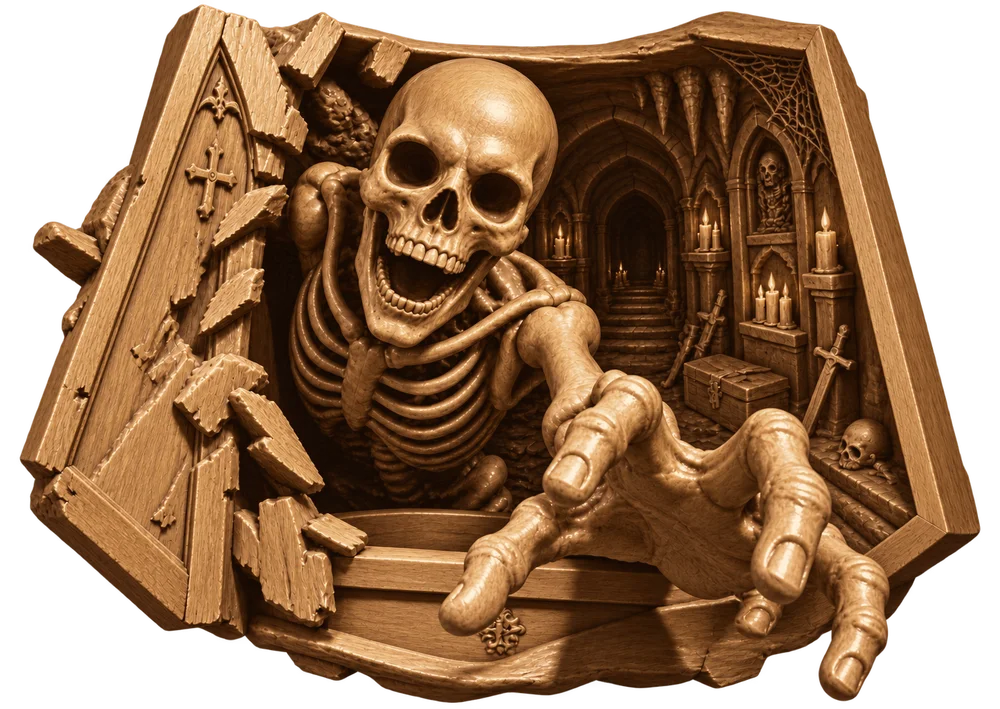 Artwork
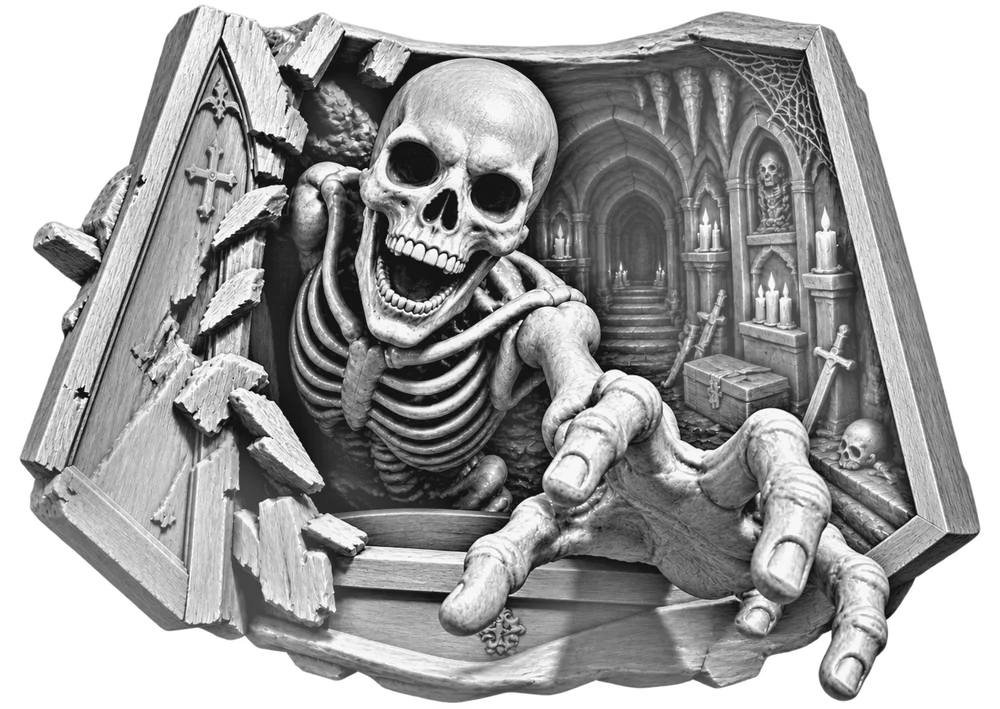 Laser file
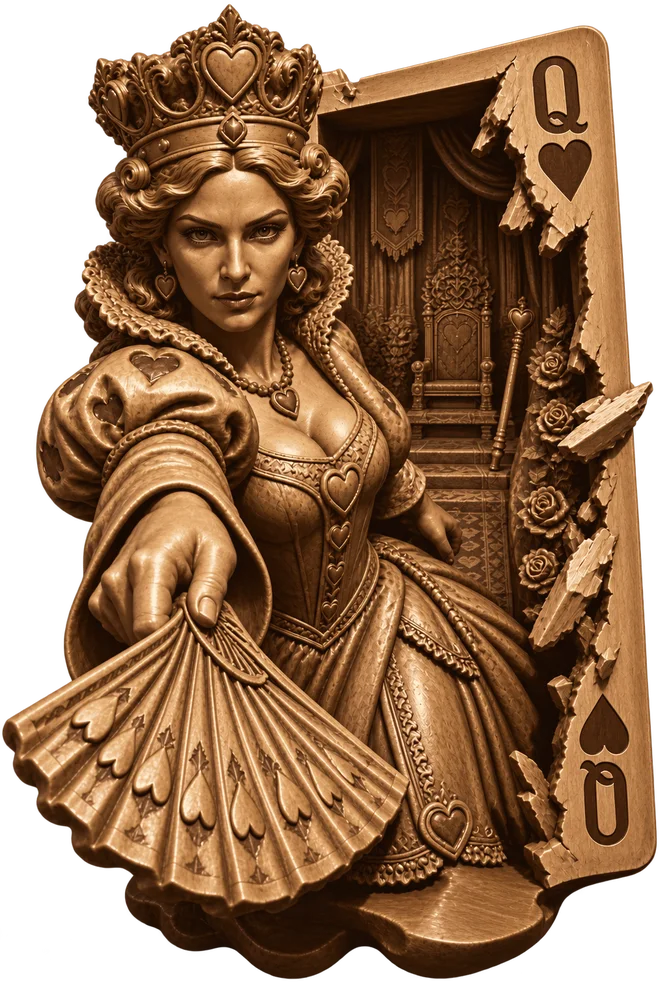 Artwork
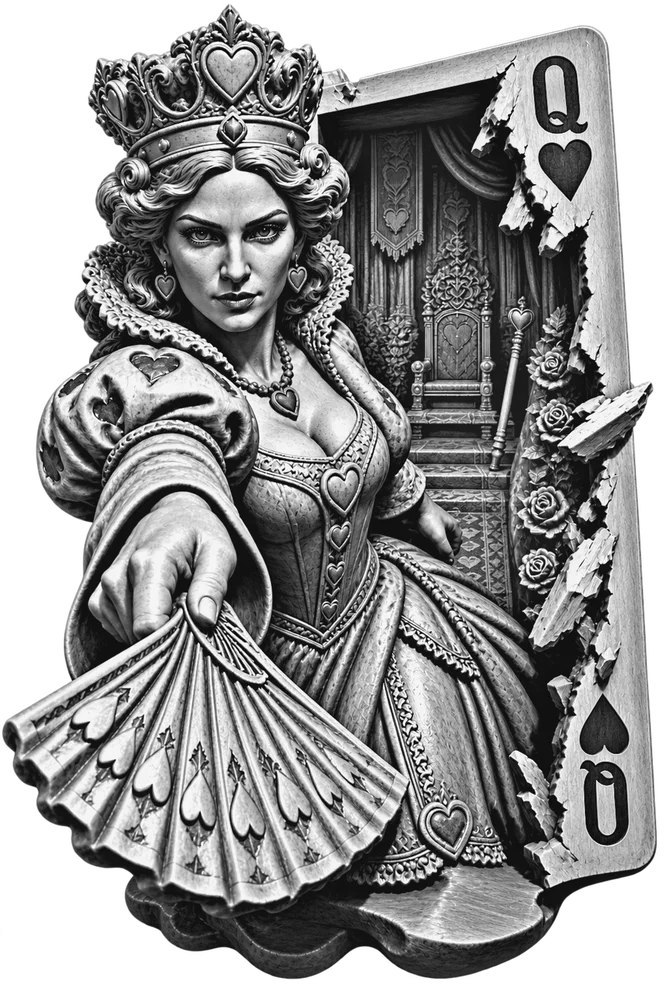 Laser file
Download all 5 free designs Get 300 free prompts (PDF)
Not sure what to make? The free prompt pack has 300 ready-to-use ideas in 15 categories, from dogs and cats to Halloween, Christmas, weddings and workshops, each with the app settings to pick.
Settings to start from.
These are the settings we use on our own 80 W CO₂ laser. Your wood and machine may need a different setting, so test on scrap first. The free guide walks through that process.
Download the free Starter Guide (PDF) 300 free prompts (PDF)
| Laser | 80 W CO₂ |
| Material | ¼ in birch plywood |
| Speed / power | 400 mm/s · 48% max / 44% min |
| Resolution | 300 DPI (0.085 mm line interval) |
| Image mode | Stucki dithering, 0° scan angle |
| Focus | 1 mm above the surface |
| LightBurn image | Contrast 15 · Brightness −5 to −10 |
| Cut ¼ in birch | 10 mm/s · 70/60% · full air |
| Finish | Clean with isopropyl alcohol, then clear coat |
No laser? You can still sell what you make.
Every design you create comes with commercial use included. Sell the finished engravings, or sell the laser-ready files to the thousands of engravers looking for their next project.
Sell downloads
List your 3D illusion designs as digital downloads on Etsy or your own shop. Each one includes the laser file and a matching cut line, which is exactly what engravers buy.
Sell finished pieces
Have a laser? Engrave and sell signs, plaques, ornaments and gifts at craft fairs, markets and online.
Take requests
A customer wants their dog breaking through a fence or their truck bursting out of a wall? Describe it, pick a concept and deliver a one-of-a-kind design.
Designs are yours to use however you like. Before selling, make sure a design doesn't include trademarked characters, logos or real people.
Your first illusion starts free.
Concepts are always free. You're only charged when an image is delivered, and credits are shared with Depth2Beam.
Welcome bonus
Free credits when you verify your email. Enough for 4 previews.
Make a design
Spend 4 credits on a usable preview. The higher resolution HD final is optional and costs 8 more credits.
Shared balance
Use the same credits in Illusion2Beam and Depth2Beam.
Commercial use included. Designs you create are yours to use however you like, including selling engravings or the digital files. We'd love a "Made with Illusion2Beam" mention in your listing, but it's never required.
You're responsible for making sure your designs don't include trademarked characters, logos or real people before selling them. Credits are non-refundable once used. The free sample designs are for personal use and selling engravings only; please don't resell those files. Questions? support@depth2beam.com
Before you fire the laser
How can a flat engraving look 3D?
Perspective, highlights and cast shadows make the subject appear to stand in front of the background. The wood stays flat; the image creates the depth illusion.
What files do I get?
A laser-ready grayscale PNG, a BMP for older software, and a cut-out ZIP with the PNG plus a matching SVG cut line. You can also download the colored artwork for showing customers.
Is the file tuned to my laser?
The image is tuned: Auto-tune sets the depth, shadows, contrast and background so the grayscale engraves clean instead of only looking 3D on screen. Laser power and speed are always set by you, because every laser, lens and board burns differently. Run a small test patch on scrap from the same board first. The Starter Guide walks you through it.
Which lasers does it work with?
Any laser that engraves images: CO₂, diode and galvo, using LightBurn, xTool Creative Space, LaserGRBL, RDWorks and others. The starter guide has settings for each type. Fiber lasers are not recommended for wood.
Do I need the HD final to engrave?
No. Your 4-credit preview can still be adjusted, downloaded as laser files and engraved. On the preview screen, select Use this preview to continue with it. The HD final is an optional higher resolution export for 8 additional credits.
How big can I engrave a design?
For best detail, use previews below 7 inches on the longest side. HD is especially recommended for engravings from 7 to 10 inches. We recommend staying at 10 inches or less on the longest side for reliable detail; test a full-size sample before engraving larger.
What wood works best?
Light, even, tight-grained wood: basswood, alder, hard maple and laser-grade birch plywood. Avoid dark woods like walnut, and MDF.
My engraving lost detail in the dark areas, or the hero blends in. What do I change?
Every design is different, so adjust the image in the app and keep your laser power the same. Lost detail in dark areas: lower Shadow depth (to 0), raise Brightness 5–10 and lower Hero cast shadow a little. Hero blends in: raise Background fade. Always judge the preview on the white background and burn a small test patch of the darkest area first. The Starter Guide has a full fine-tuning table.
Why does my engraving look gray?
That's surface soot, not bad settings. Wipe or spray it with isopropyl alcohol and a soft cloth, and the warm brown shading comes back.
Can I sell what I make?
Yes. Designs you create in Illusion2Beam are yours: sell the engravings, or sell the digital files on Etsy or anywhere else. A "Made with Illusion2Beam" mention is appreciated but never required. Before selling, make sure your design doesn't include trademarked characters, logos or real people. The free sample designs are the exception: sell engravings of them, but please don't resell the files.
Do you have prompt ideas to get started?
Yes. Download the free 300-prompt pack (PDF): 15 categories including dogs and cats, wildlife, Halloween, Christmas, military, first responders, weddings and workshops. Each prompt comes with the style, pop-out and shape to pick, plus a tip for a great first result.
How do the free credits work?
Verify your email and you get 16 free welcome credits, enough for 4 previews. It's a one-time bonus shared with Depth2Beam. Concepts are always free, and credit packs are available when you need more.
How do I get help?
Email support@depth2beam.com and include a screenshot if something looks wrong.
Is there a community?
Yes. Join our Facebook group to share your engravings, ask questions, get settings help and grab new free designs.
Do I need to install anything?
No. Illusion2Beam runs in your web browser on a phone, tablet, laptop or desktop.
What will you make leap off the wood?
Describe your scene, choose the depth, and turn the finished illusion into a laser file.
Create a 3D illusion Join the Facebook group
Share your burns, get settings help and grab new free designs.