5 free 3D illusion laser files
Flat wood that looks carved. Each design comes with a ready-to-engrave grayscale PNG, a matching SVG cut line, and our starter guide with tested settings.
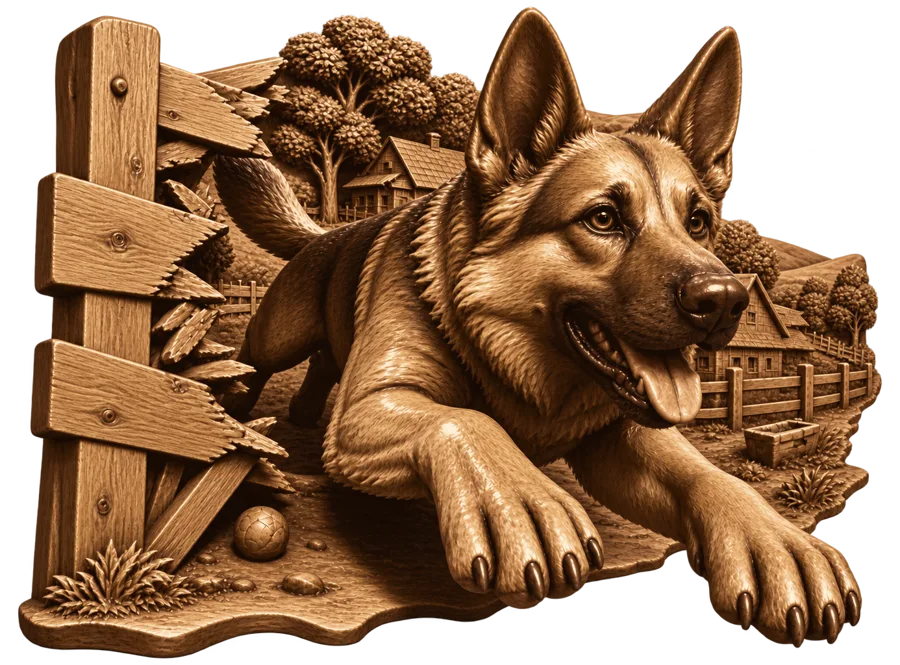
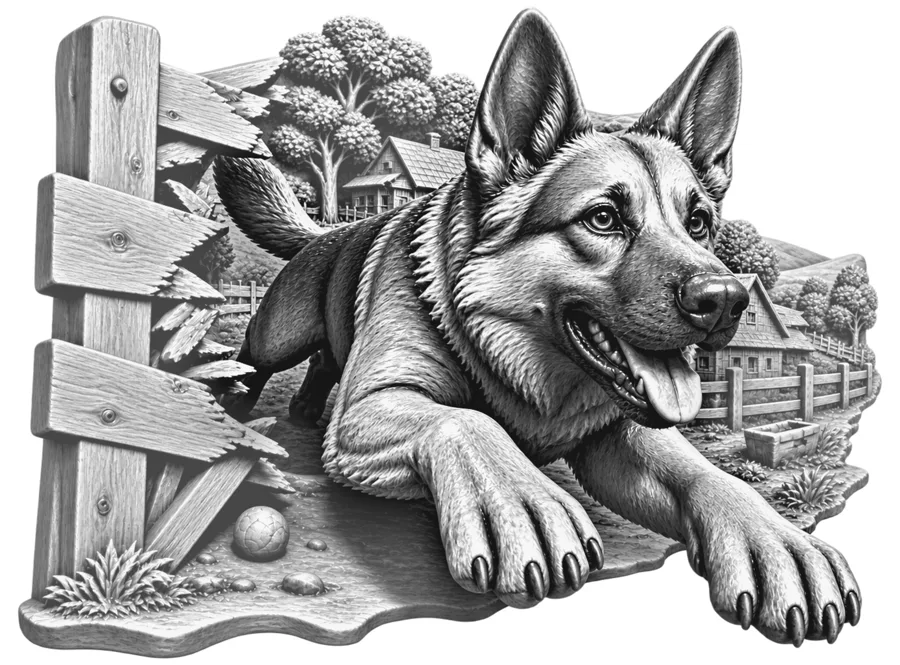
German Shepherd
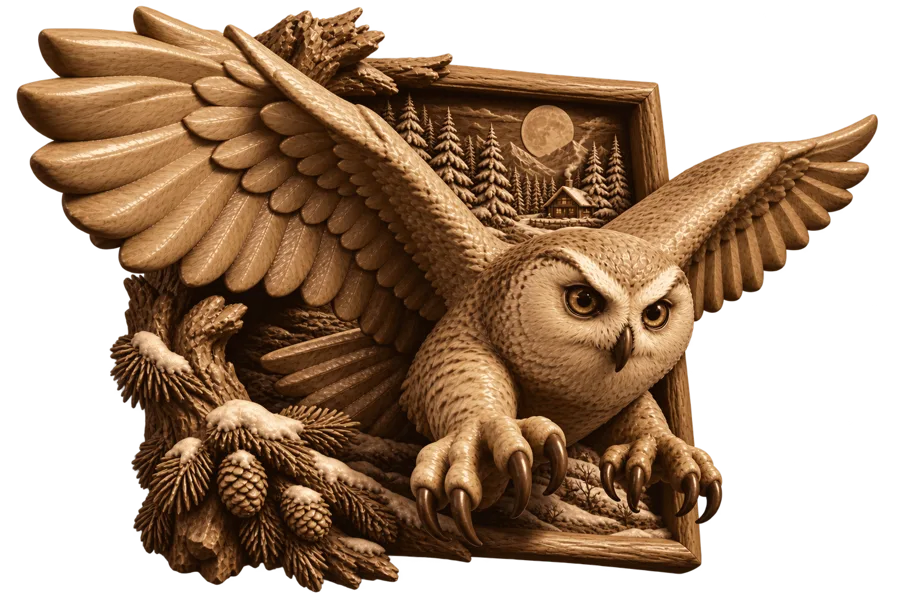
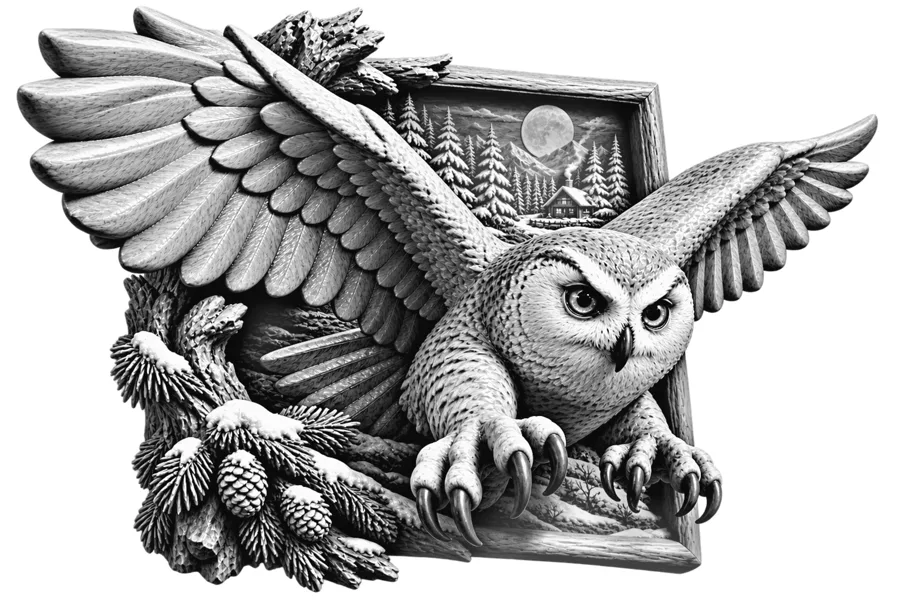
Snow Owl
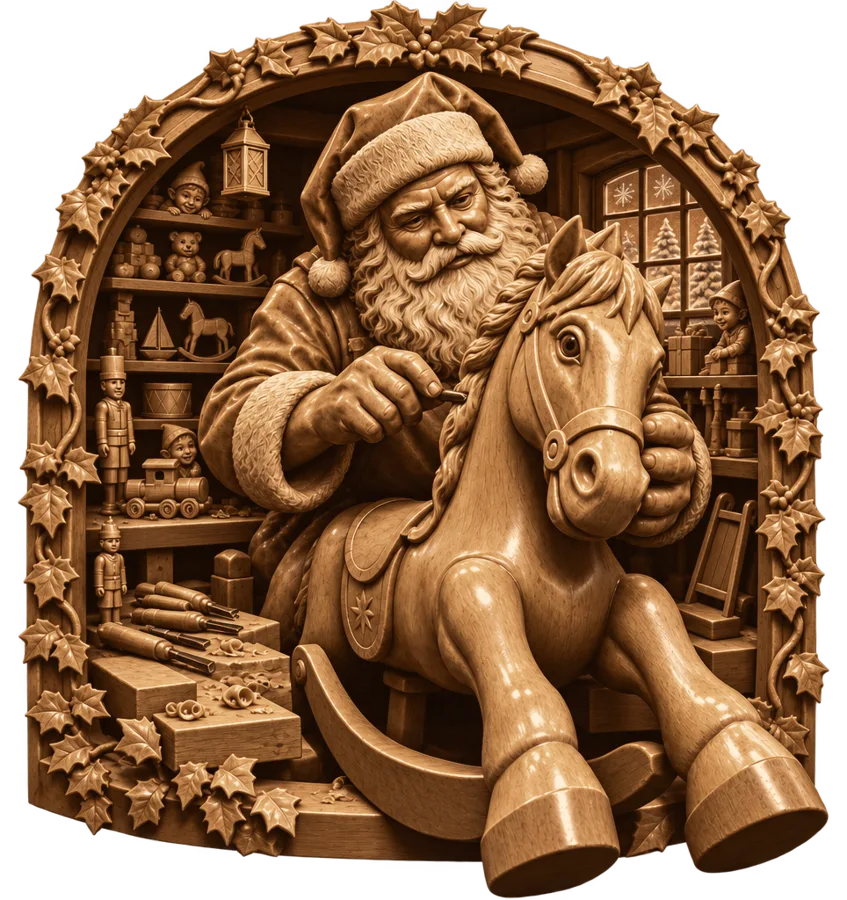
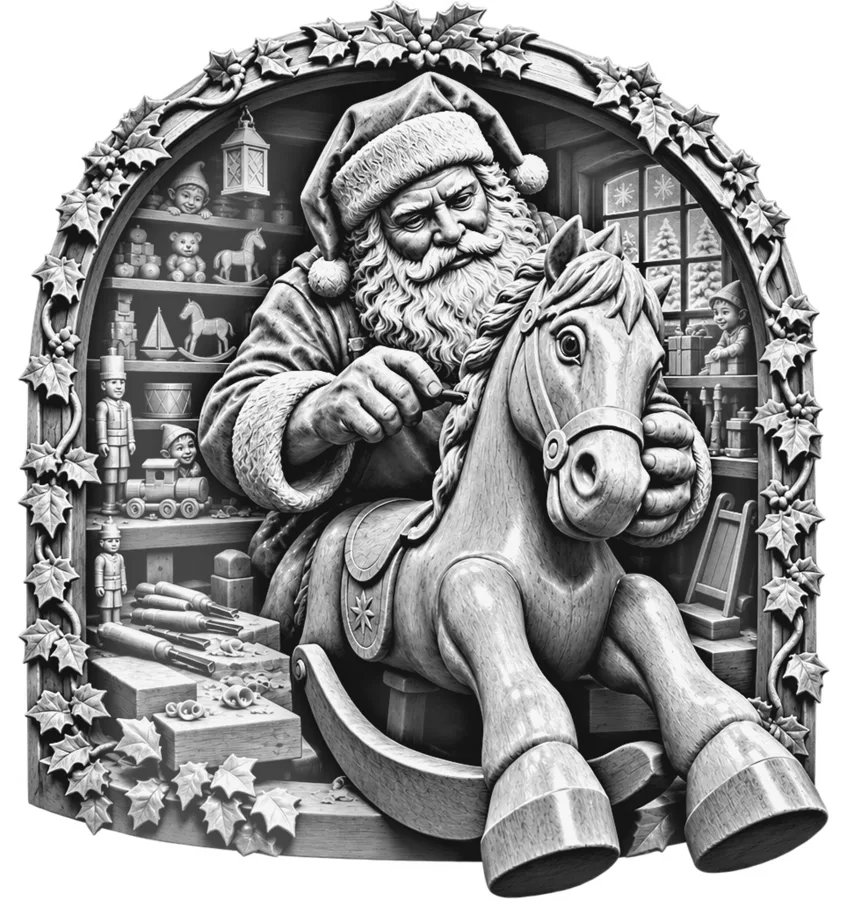
Santa's Workshop
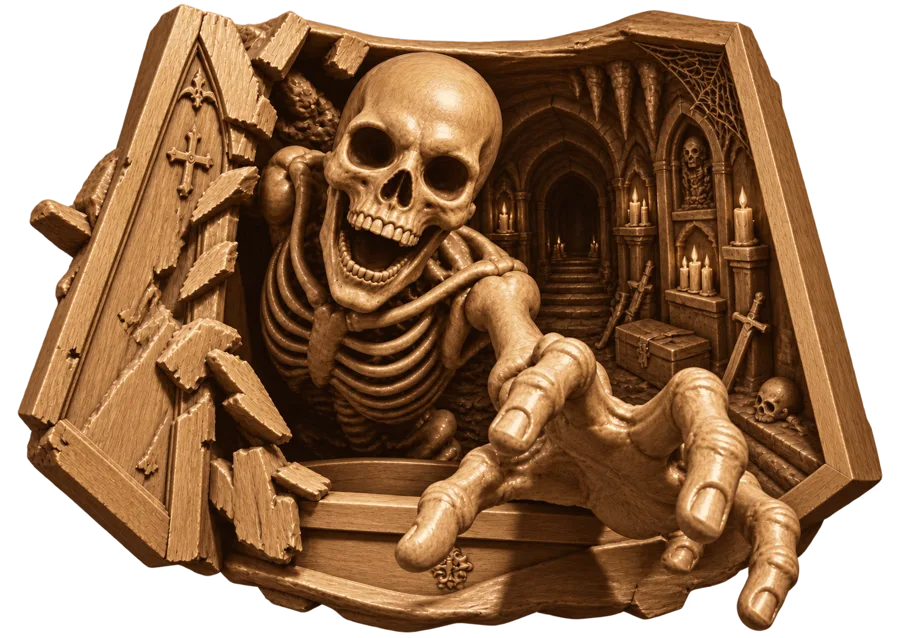
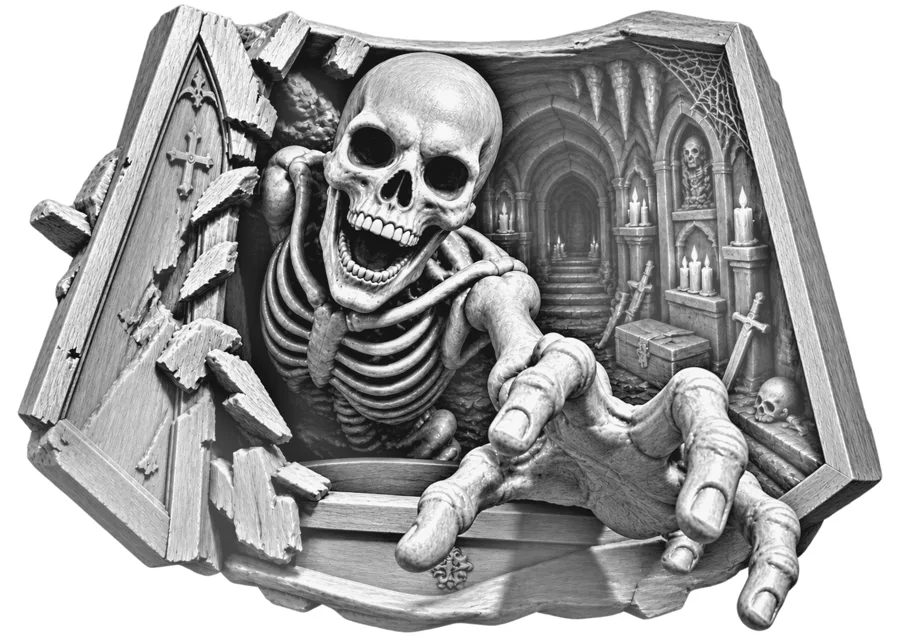
Crypt Skeleton
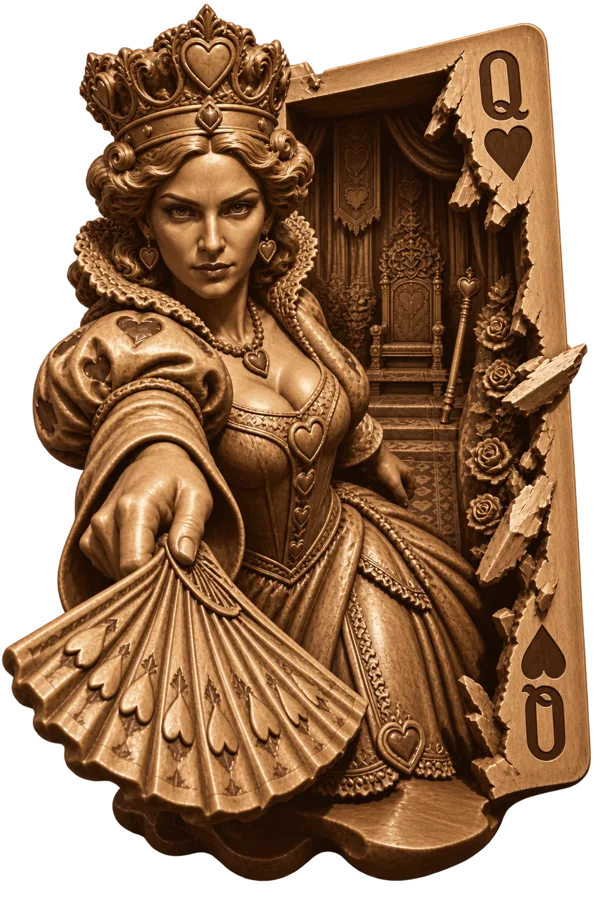
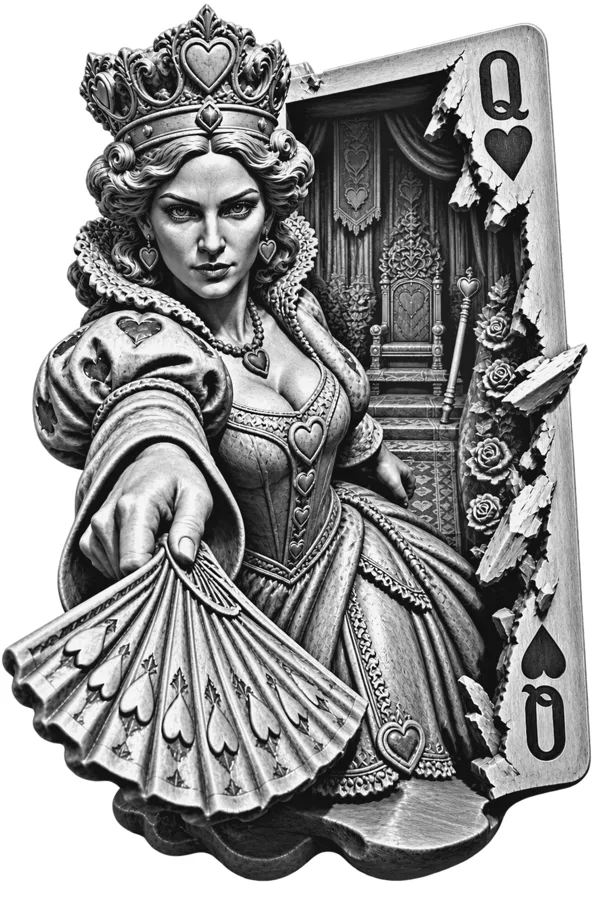
Queen of Hearts
Quick start in LightBurn
- Import the Laser PNG and the Cut Line SVG. Both open at 8 in and line up exactly.
- Image mode: Stucki for CO₂, Jarvis for diode. Not Grayscale.
- Test first: engrave a small crop on scrap from the same board.
- Engrave, then cut. Clean the soot off with isopropyl alcohol and a soft brush.
Full tested settings for CO₂ and diode lasers are in the starter guide.
Make your own
These designs were made with Illusion2Beam. See how it turns an idea into a laser-ready 3D illusion.
See how it works